

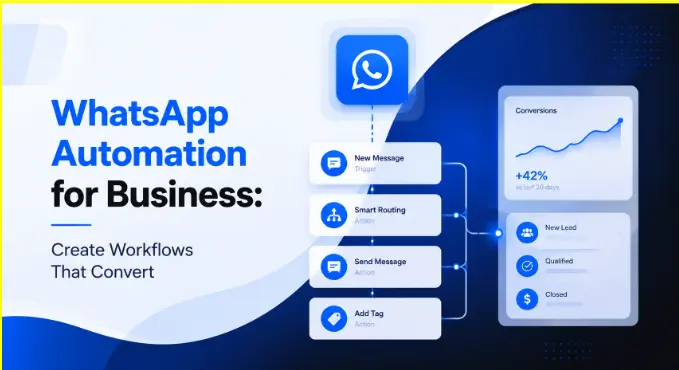
Customers today expect instant, personalized communication, but many businesses still struggle with slow replies, disconnected conversations, repetitive support queries, and missed follow-ups that lead to lost conversions.
That’s why WhatsApp automation is becoming essential. Combined with omnichannel workflows, it helps businesses respond faster, automate repetitive interactions, unify customer conversations, and scale engagement without making interactions feel robotic.
In this blog, we’ll explore how to build WhatsApp automation workflows that improve engagement and drive conversions across the customer journey.
Why Businesses Are Turning to WhatsApp Automation
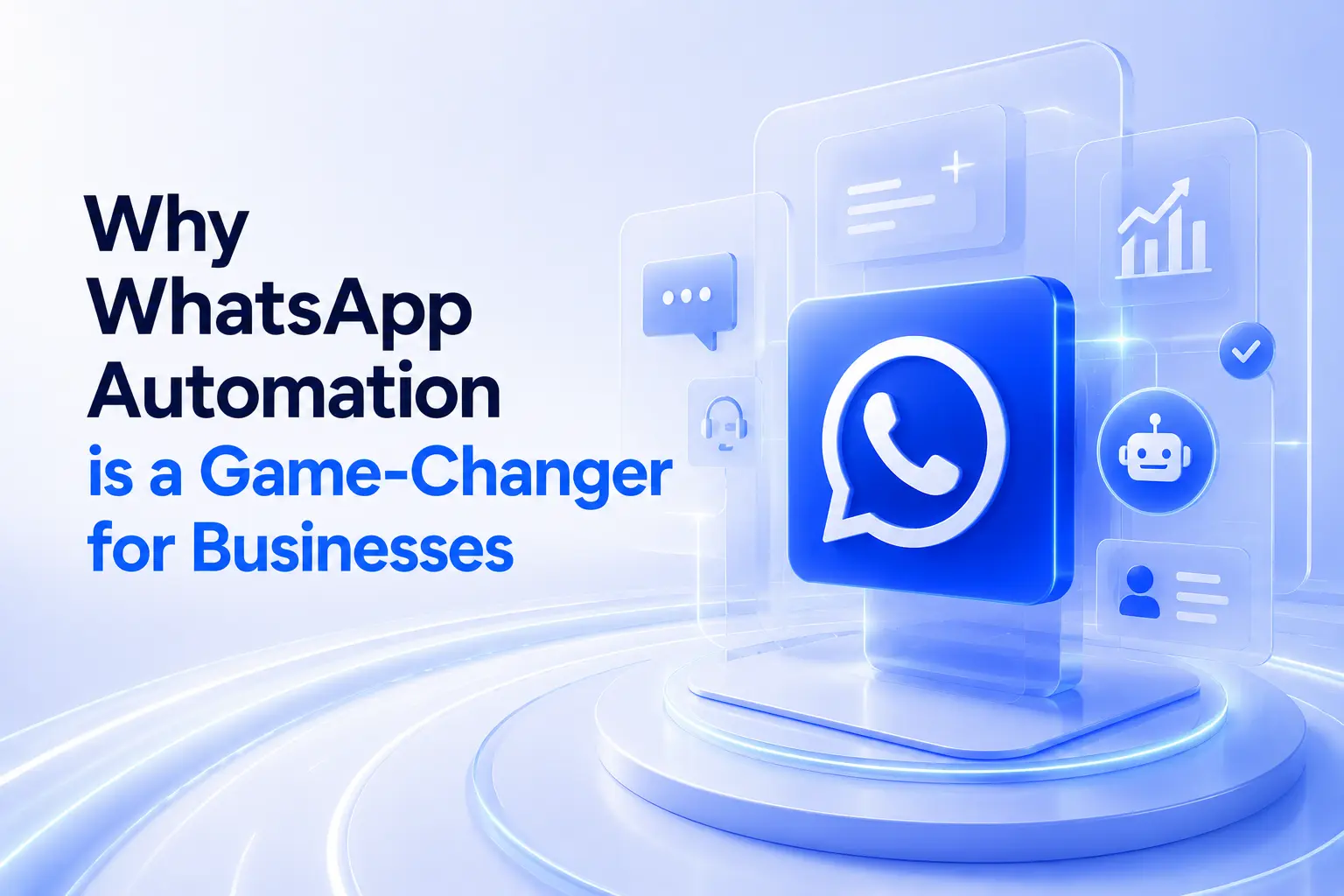
Alt text: WhatsApp automation dashboard with chatbot UI and analytics panels.
WhatsApp has over 2 billion active users worldwide, making it one of the most effective channels for customer engagement. With WhatsApp automation, businesses can:
- Respond instantly to customer queries.
- Send personalized messages based on customer behavior.
- Reduce manual effort for repetitive tasks.
- Track engagement and conversions efficiently.
Unlike generic messaging or email campaigns, WhatsApp business automation allows brands to create workflows that feel personal, even at scale.
Use automation not just for marketing, but also for support, lead nurturing, and transactional updates.
See how Convin enhances WhatsApp automation with AI insights.
Key Steps to Set Up WhatsApp Automation for Omnichannel Workflows
Here’s a step-by-step guide to help you design effective WhatsApp automation workflows:
1. Define Your Workflow Goals
Start by identifying what you want to achieve:
- Increase sales
- Reduce support response times
- Improve lead nurturing
Align your goals with measurable KPIs like response time, conversion rate, or customer satisfaction score.
2. Segment Your Audience
Automation is most effective when it’s personalized. Segment your audience by:
- Customer behavior (purchase history, engagement)
- Demographics (location, age, language)
- Stage in the buyer journey
Segmentation ensures your messages are relevant, increasing engagement and conversions.
3. Map Your Omnichannel Workflow
Visualize how a customer moves through your communication channels.
This approach ensures consistency across touchpoints and guides customers toward conversion.
4. Choose the Right Automation Tools
Not all automation tools are created equal. For WhatsApp business automation, consider platforms that allow:
- Multi-channel integration
- AI-powered message personalization
- Workflow analytics
- Easy compliance with WhatsApp policies
Using a tool like Convin can simplify this process, letting you design, test, and optimize workflows without IT bottlenecks.
5. Craft Personalized Automated Messages
Automation shouldn’t feel robotic. Best practices include:
- Address customers by name
- Reference their purchase history or behavior
- Use clear CTAs like “Check Offer” or “Book a Demo”
Example:
“Hi [Name], we noticed you checked our [Product]. Here’s a special 10% discount just for you, grab it now!”
6. Set Up Triggers and Conditions
Triggers determine when a message is sent, and conditions define who receives it. Examples include:
- Trigger: Customer abandons cart → Condition: Purchased in last 30 days → Action: WhatsApp reminder
- Trigger: New lead signs up → Condition: Interest = Product A → Action: Send welcome sequence
Smart triggers make your omnichannel workflow reactive, increasing engagement without manual effort.
7. Test and Optimize
Before scaling, test your workflow:
- Check message timing and frequency
- Monitor open rates and engagement
- Adjust based on customer feedback
Optimization ensures that your WhatsApp automation delivers ROI rather than just sending messages.
Build personalized WhatsApp workflows that convert faster with Convin.
How Does WhatsApp Automation Work For B2C Businesses?
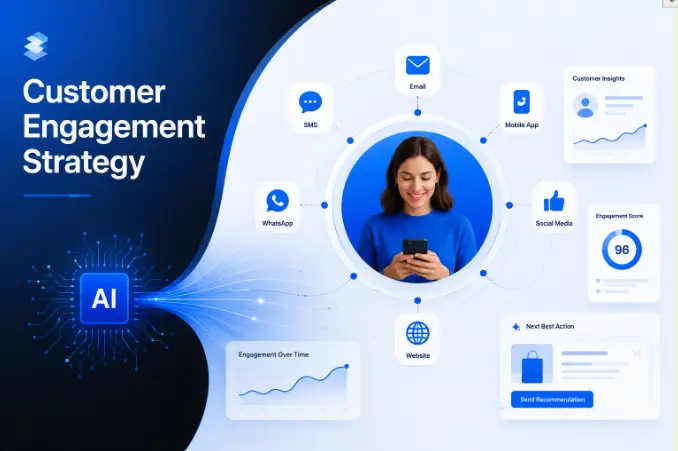
WhatsApp automation helps B2C businesses manage customer interactions automatically across the buyer journey while staying connected with other channels like email, website chat, SMS, and social media. Within an omnichannel strategy, customer conversations and data stay synchronized across platforms, creating a seamless experience.
For example, a customer may:
- Discover a product through Instagram ads
- Receive a WhatsApp follow-up message automatically
- Get abandoned cart reminders via WhatsApp
- Receive order updates through email and WhatsApp
- Contact support through website chat without losing conversation context
Automation workflows use triggers such as user actions, purchase behavior, or inquiries to send personalized messages instantly. This improves response speed, customer experience, and conversion rates while reducing manual effort for support and marketing teams.
This blog is just the start.
Unlock the power of Convin’s AI with a live demo.

What Are Omnichannel Workflows and What Is Their Business Value?
Omnichannel workflows connect customer conversations across channels like WhatsApp, email, website chat, social media, and voice into one seamless journey. Instead of treating every interaction separately, businesses can maintain context, automate follow-ups, and deliver consistent experiences across every touchpoint.
1. Consistent Customer Experiences
Customers receive the same quality of communication and support, regardless of the channel they choose.
2. No More Disconnected Conversations
Customers can switch from WhatsApp to email or website chat without repeating information or losing context.
3. Faster Conversions
Automated workflows help businesses engage leads instantly, follow up at the right time, and reduce drop-offs during the buying journey.
For example, a customer might start a conversation on WhatsApp, receive a personalized follow-up email, and complete the purchase through your website, all through a connected, automated workflow.
Explore how Convin streamlines omnichannel customer workflows.
Common Use Cases of WhatsApp Business Automation
- Lead Nurturing- Automatically follow up with potential customers, share personalized offers, and guide them through the buying journey without manual effort.
- Customer Support- Provide instant answers to frequently asked questions, handle simple requests, and escalate complex issues to human agents seamlessly.
- Transactional Messages- Send order confirmations, shipping updates, appointment reminders, and other timely notifications to keep customers informed and engaged.
- Promotions and Marketing- Launch targeted campaigns with personalized messaging, discounts, or product updates that encourage customer interaction.
- Customer Retention- Collect feedback, send loyalty rewards, or re-engage inactive customers with thoughtful, automated messages.
Explore proven use cases, boost conversions with Convin automation.
Best Practices for WhatsApp Automation
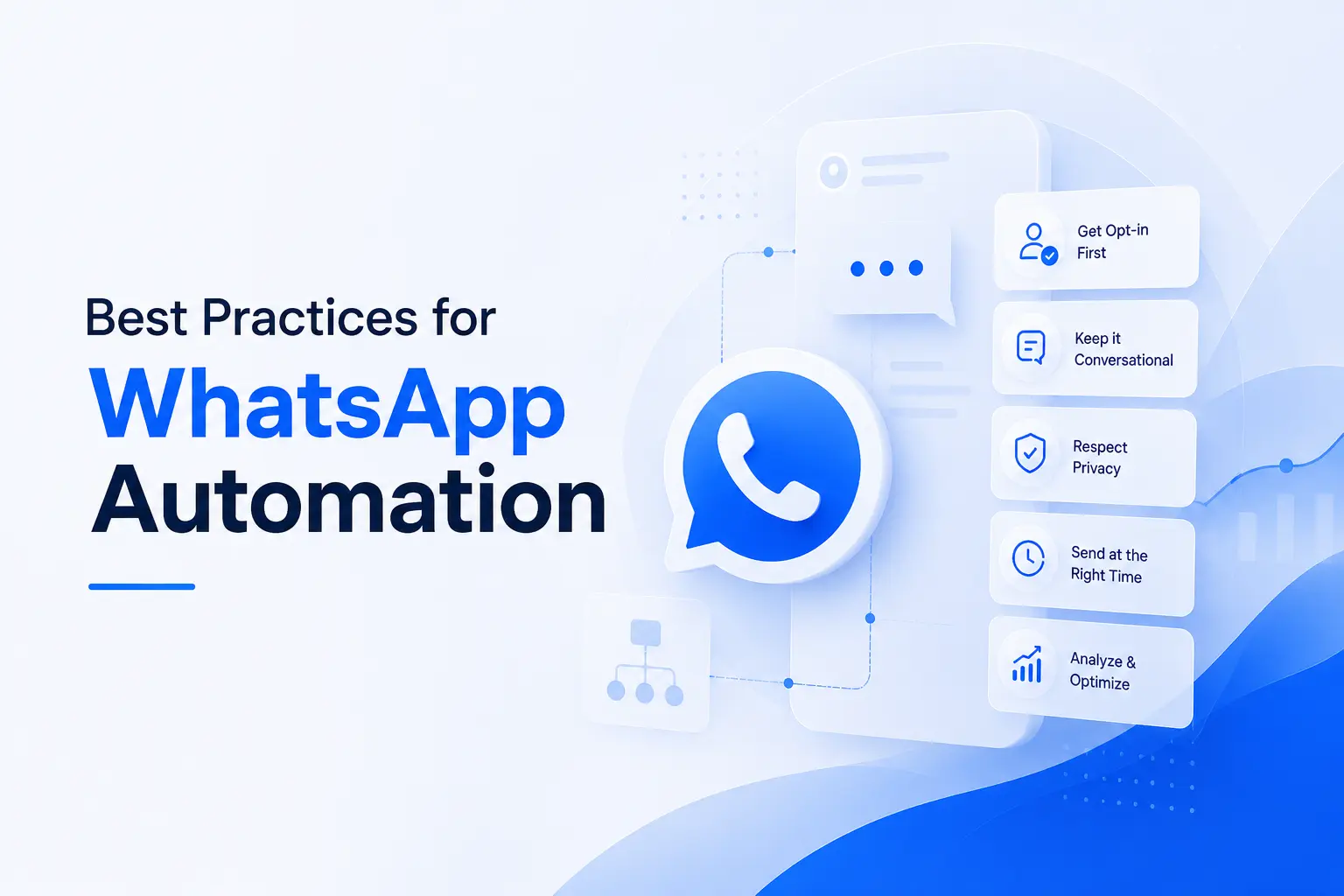
Alt text: WhatsApp automation hero image with modern SaaS-style UI panels.
- Keep messages concise and actionable, customers prefer short, clear, and relevant content.
- Avoid spamming; always respect opt-ins to maintain trust and compliance.
- Use rich media like images, PDFs, or videos to make messages more engaging.
- Combine automation with human support for complex or sensitive queries to maintain a high-quality experience.
- Track performance metrics like open rates, response times, and conversions regularly to optimize workflows.
Integrating WhatsApp automation with CRM ensures each interaction is contextual, helping you deliver highly personalized and timely messages.
Follow expert tips, enhance messaging efficiency with Convin today.
Why It Matters
WhatsApp automation works best when it goes beyond simple messaging and becomes part of a connected omnichannel customer journey. With the right workflows, businesses can respond faster, personalize engagement at scale, reduce manual effort, and drive higher conversions across every touchpoint.
The key is building automation that feels timely, relevant, and human, not robotic. When combined with intelligent workflows and real customer context, WhatsApp can become one of the most effective channels for B2C engagement and growth.
Automate smarter customer journeys with Convin. Book your demo.
FAQs
1. Do I need technical expertise to set up WhatsApp automation?
Not necessarily. Most modern platforms offer no-code workflow builders that let marketing and support teams design, test, and launch automation without involving IT. Choosing the right tool matters more than technical skill.
2. Can automation handle upset or complex customers?
Automation works best for routine interactions, FAQs, order updates, reminders. For sensitive or complex situations, a well-designed workflow should automatically detect the need and hand the conversation off to a human agent without the customer having to repeat themselves.
3. Will automated messages feel impersonal to customers?
Only if done poorly. When messages reference a customer's name, past behavior, or specific product interest, they tend to feel relevant rather than generic. The key is connecting automation to real customer data rather than sending one-size-fits-all blasts.
4. How many channels should I connect in an omnichannel workflow?
Start with the two or three channels where your customers are already most active. Adding too many channels at once can dilute focus. Once those workflows are optimized and running smoothly, you can expand to additional touchpoints.
What's the biggest mistake businesses make with WhatsApp automation?
Over-automating without a clear goal. Sending frequent messages without proper audience segmentation or trigger logic leads to opt-outs and damaged trust. Automation should feel like a helpful nudge, not a broadcast.

.avif)


.avif)