

Customer conversations are rapidly shifting toward messaging-first ecosystems, and WhatsApp has become one of the most important channels where businesses now acquire, convert, and support customers in real time.
However, WhatsApp alone is not enough anymore. Businesses are now integrating AI systems with the WhatsApp Business API to enable intelligent automation, context-aware conversations, and seamless omnichannel orchestration.
This guide explains how AI connects with WhatsApp Business API, how omnichannel platforms enable this integration, and what implementation looks like in real-world systems
Why Businesses Are Integrating AI With WhatsApp Business API
The WhatsApp Business API was originally designed for structured communication at scale, but modern customer expectations require far more than templated messaging. AI brings intelligence, adaptability, and contextual awareness into WhatsApp interactions.
How AI Transforms WhatsApp Interactions In Practice
- Continuous conversational availability across time zones and peak load periods
AI enables businesses to handle incoming customer queries at any time of the day without depending on human agent availability. This ensures that even during non-working hours, high-intent users receive immediate responses instead of waiting in queues or receiving delayed callbacks. - Context-aware responses based on customer history and behavior signals
Instead of treating every message as a standalone query, AI systems can analyze previous interactions, purchase history, and behavioral patterns to generate responses that feel personalized and relevant to each customer journey stage. - Reduction in repetitive workload for support and sales teams
A large portion of WhatsApp conversations typically consists of repetitive queries such as pricing, order updates, or availability checks. AI automates these interactions so human agents can focus on high-value or complex conversations. - Faster movement of leads through early funnel stages
AI can instantly engage inbound leads, qualify intent, ask relevant follow-up questions, and route only high-intent prospects to sales teams, significantly improving funnel efficiency. - Consistent response quality regardless of message volume fluctuations
Whether a business receives 50 messages or 50,000, AI ensures that response quality remains consistent, eliminating delays and variability in customer experience.
How AI Integrates With WhatsApp Business API Architecture
AI integration with WhatsApp Business API is not a single connection but a layered architecture that ensures scalability, compliance, and intelligent decision-making.
Core System Layers Explained In Detail
- WhatsApp Business API Layer (Messaging Infrastructure Layer)
This layer is responsible for sending and receiving messages, managing session windows, handling template approvals, and enforcing WhatsApp’s messaging policies. It acts as the secure communication gateway between users and business systems. - AI Processing Layer (Conversational Intelligence Layer)
This is where natural language understanding, intent detection, sentiment analysis, and response generation take place. The AI engine interprets what the user is asking and decides whether to respond directly or escalate the conversation. - Integration / Middleware Layer (System Connectivity Layer)
This layer connects WhatsApp and AI systems with external platforms such as CRM, ticketing tools, payment systems, or order databases. It ensures that AI has access to real-time customer context when generating responses. - Omnichannel Platform Layer (Unified Experience Layer)
This is the top layer that brings all communication channels together. It ensures that WhatsApp conversations are not isolated but part of a unified customer engagement system across email, voice, chat, and social channels.
End-To-End Message Flow In Real Systems
- A customer initiates a message on WhatsApp.
- The WhatsApp Business API securely receives and forwards the message to backend systems.
- The AI layer analyzes intent, urgency, sentiment, and contextual signals.
- The system decides whether to respond automatically or route to a human agent.
- A response is generated and sent back through the WhatsApp API.
- All interaction data is stored and synced into the omnichannel platform for future context.
Step-By-Step Integration Of Conversational AI With WhatsApp Business API
Integrating AI with WhatsApp Business API requires coordination between business verification, technical infrastructure, AI configuration, and continuous optimization.
Step 1: Establish WhatsApp Business API Access And Compliance Setup
Before any AI integration begins, businesses must first onboard through a WhatsApp Business Solution Provider. This includes verifying the business identity, registering phone numbers, and setting up approved messaging templates for outbound communication.
Step 2: Define The AI Intelligence Layer Based On Use Cases
Businesses must clearly define what the AI is expected to handle. This may include customer support automation, lead qualification, transactional updates, or engagement campaigns. Each use case requires specific intent models and response logic structures.
Step 3: Build Integration Between Messaging And AI Systems
Once AI and WhatsApp APIs are ready, a middleware layer is developed to connect both systems. This layer ensures messages are correctly routed, enriched with customer data, and processed by AI before generating responses or triggering human escalation.
Step 4: Design Conversation Logic And Fallback Systems
Not every query can be handled by AI alone. Businesses define fallback rules where AI either asks clarifying questions, routes the conversation to a human agent, or triggers predefined workflows when confidence is low.
Step 5: Conduct Live Testing And Continuous Optimization
After deployment, real conversations are used to evaluate AI performance. Metrics like resolution rate, response accuracy, and escalation frequency are monitored continuously, and AI models are refined based on real-world interactions.
This blog is just the start.
Unlock the power of Convin’s AI with a live demo.

How WhatsApp Business API Connects With Omnichannel AI Platforms
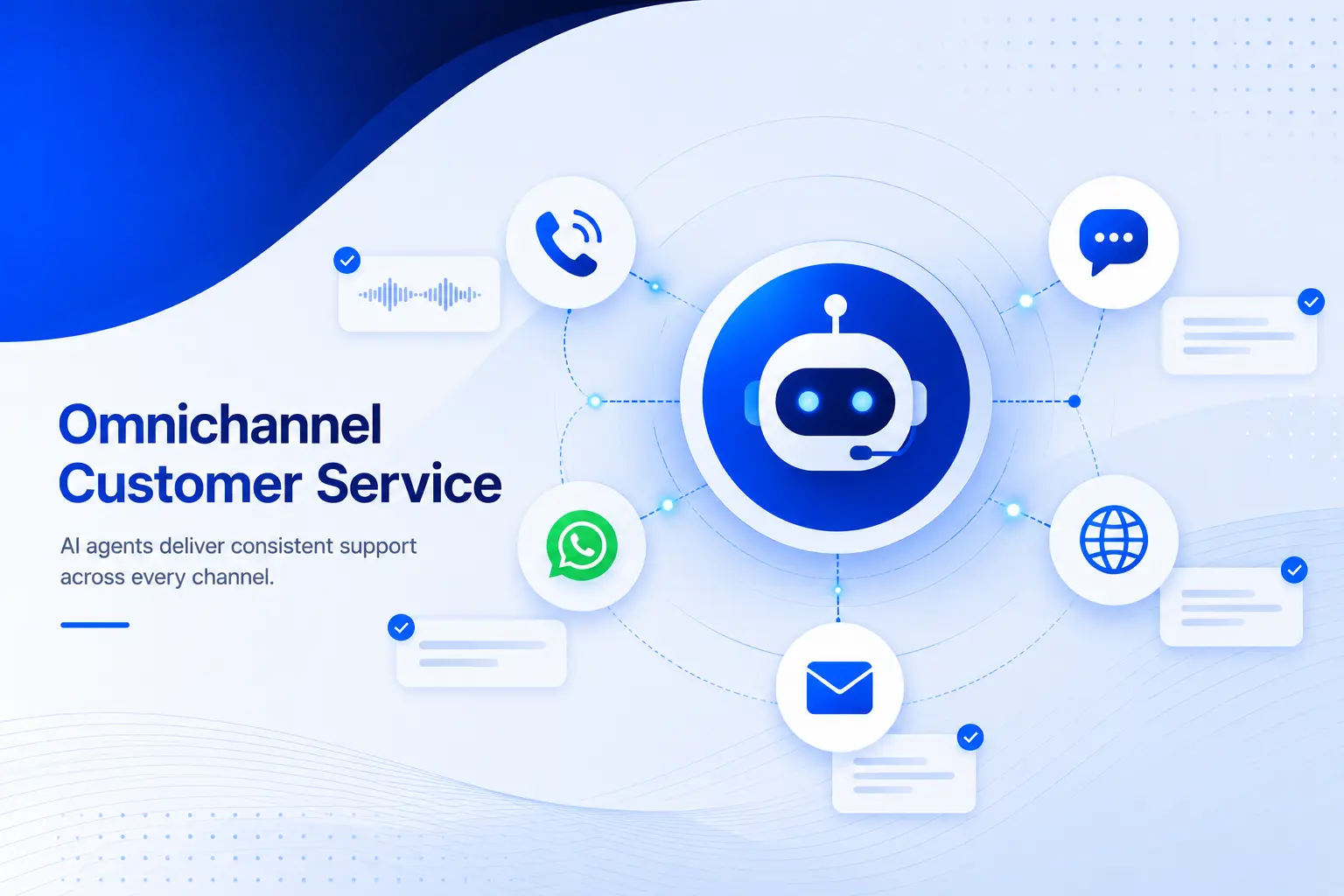
An omnichannel AI platform ensures that WhatsApp is not treated as a standalone channel but as part of a larger ecosystem that includes email, voice, website chat, and social messaging.
What Omnichannel Platforms Actually Enable
- Unified customer identity across all touchpoints
Instead of treating interactions separately per channel, omnichannel platforms merge them into a single customer profile so every agent or AI system has full context. - Seamless conversation continuity across channels
A customer might start on WhatsApp and later switch to email or web chat. Omnichannel systems ensure that the conversation context is preserved across all transitions. - Central AI intelligence layer across channels
Instead of building separate AI systems for WhatsApp, email, or chat, one centralized AI engine powers all responses, ensuring consistency and learning efficiency. - Real-time agent assistance and decision support
During live conversations, the platform can suggest responses, highlight customer intent, and recommend next best actions for human agents.
Integration Flow Between WhatsApp And Omnichannel Systems
- WhatsApp messages are first ingested into the omnichannel platform.
- The AI engine enriches the message using CRM and behavioral data.
- The system determines whether AI can resolve or if human escalation is needed.
- The conversation is routed accordingly, while maintaining unified history.
- All updates sync across systems in real time.
Unify WhatsApp with your complete customer engagement ecosystem.
Rate Limits And Compliance Requirements For WhatsApp Business API
WhatsApp Business API operates under strict rules designed to protect users from spam and maintain platform quality. Businesses must design AI systems within these constraints.
Messaging Rate Limits And Tier-Based Controls
- Progressive messaging tiers based on quality and engagement
Businesses begin with lower message volume limits, which increase gradually as WhatsApp evaluates message quality, response rates, and user engagement. - 24-hour customer service window limitation
Businesses can only send free-form messages within a 24-hour window after the user’s last message. Outside this window, only approved template messages are allowed. - Template approval system for outbound communication
Any proactive message must be pre-approved by WhatsApp, ensuring that messaging remains compliant and non-intrusive. - Throughput constraints based on account health
Even within allowed tiers, messaging speed and volume depend on account reputation, ensuring that poor-quality messaging does not scale.
Compliance Requirements Every Business Must Follow
- Explicit user opt-in before initiating communication
Customers must clearly consent to receive WhatsApp messages from a business before any outreach begins. - Strict content and messaging policy enforcement
Promotional, sensitive, or misleading content is heavily restricted and can impact account quality ratings. - Continuous monitoring of engagement signals
Metrics like message read rates, response rates, and block/report actions influence account reputation. - User control through opt-out mechanisms
Customers must always have the ability to stop receiving messages at any point in the conversation.
Common Use Cases Of AI On WhatsApp Business API
- Instant resolution of repetitive customer queries at scale- AI handles high-frequency queries like order tracking, pricing information, and account-related questions without human intervention, significantly reducing support load.
- Automated qualification of inbound leads in real time- Instead of manually screening leads, AI engages prospects immediately, asks structured questions, and scores their intent before passing them to sales teams.
- Proactive transactional notifications and updates- Businesses use AI-enhanced messaging to provide real-time updates on orders, payments, or service statuses, improving transparency and trust.
- Re-engagement of inactive users with personalized messaging- AI identifies dormant users and triggers contextual re-engagement messages based on past behavior patterns.
What This Means For you
AI-powered WhatsApp Business API integration is helping businesses move beyond basic messaging into intelligent, scalable customer engagement. By combining conversational AI with omnichannel platforms, companies can automate support, qualify leads faster, deliver personalized experiences, and maintain seamless communication across channels. As customer expectations continue to evolve, businesses adopting AI-driven WhatsApp workflows will be better positioned to improve efficiency, customer satisfaction, and long-term growth.
FAQs
- What determines whether a WhatsApp conversation should be handled by AI or humans in real time?
Routing decisions are typically based on intent complexity, customer value segmentation, and AI confidence thresholds. High-confidence, repetitive queries are automated, while ambiguous or high-value conversations are escalated.
- How does customer data influence AI response quality inside WhatsApp workflows?
AI systems often rely on external data sources such as CRM records, past purchase behavior, and support history to enrich responses. This allows the system to avoid generic replies and instead provide context-specific answers.
- Can WhatsApp AI systems operate differently for sales and support use cases?
Yes, AI behavior is usually segmented by use case. Sales-focused flows prioritize conversion and lead qualification, while support flows prioritize resolution speed, accuracy, and ticket deflection.
- How do businesses measure the effectiveness of AI inside WhatsApp conversations?
Performance is typically evaluated using metrics such as first response time, resolution rate without human intervention, escalation percentage, and customer satisfaction scores collected after conversations.




.avif)